Laman

Tampilkan postingan dengan label demoed. Tampilkan semua postingan

Minggu, 18 Desember 2011

Video: Mobile Twitter web app vs mobile web (demoed with Nokia N9 and Nokia Lumia 800)

One of things I use all the time is mobile twitter. It was my a homescreen bookmark on my N900, on my N8 and on my Omnia and Lumia 800. Whilst an app is great, I sometimes find unreliable connection wise, even with Gravity sometimes, it occasionally does not send out tweets. Plus, I find that when on a slow connection, mobile twitter still works fine.

So I was pleasantly surprised to fire up the browser on the Nokia N9 and see a web app version. It has neat buttons at the top for quick loading of home/mentions/messages etc. Furthermore, being a web app, it seems to already have loaded mentions so it just instantly switches when you press it, where as with a mobile web version, e.g. on lumia 800 it will have to reload. The only advantage I find is when on a slow mobile internet connection – then the mobile web is lighter on data and will load quicker. But when on WiFi, the web app is more pleasant.

Video 1: N9 with web app, 800 with mobile web. N9 on WiFi, 800 on 3G 

(I thought they were both on WiFi but I forgot I switched off the WiFi on the 800 to use the 3G when as the internet dies when I was uploading a N9 video earlier)

The only thing I’m having issues with is adding mobile wep app twitter to my app menu on the N9. It’s odd because all other websites work. I have it as a tile on my Lumia.

It’s a bare mobile website vs a mobile web app.

Oh I think the mobile web app is automatically refreshing for new tweets too.

For a quick light check on twitter, more reliable for slow connections I prefer the mobile web version, but if I’m at home with WiFi, I do like the look of the web app better that’s seen on the N9.

Video 2: N9 with web app, 800 with mobile web. N9 on WiFi, 800 on WiFi

http://www.youtube.com/watch?v=dBz78ks4r64

(On WiFi you can see the bare plain mobile web loading faster obviously than the much nicer looking web app)

On other sites, e.g. YouTube, both will load the mobile wep app version, e.g. YouTube (a HTML5 extra over the plain mobile web YouTube). I was just surprised as I did not know there was a web app version for Twitter. I’m looking forward to the expansion of web-apps. There are certain things on both browsers where I just use the web app than the app (e.g. Drop Box and Box.net).  They’re both touch finger friendly and lighter on data.

Both HTML5 ‘webapp’ versions of youtube work great. It does in this instance load slightly quicker on the Lumia 800. But again I will talk more about both browsers some other time. This was just a post on web app vs mobile web app.

Category: Maemo, MeeGo, Nokia, Nseries, Video, Windows Phone

About Jay Montano: Hey, thanks for reading my post. My name is Jay and I'm a medical student at the University of Manchester. When I can, I blog here at mynokiablog.com and tweet now and again @jaymontano. We also have a twitter and facebook accounts @mynokiablog and facebook.com/MyNokiaBlog. Contact us at tips(@)mynokiablog.com or email me directly on jay[at]mynokiablog.com View author profile.


View the original article here


Peliculas Online

Sabtu, 17 Desember 2011

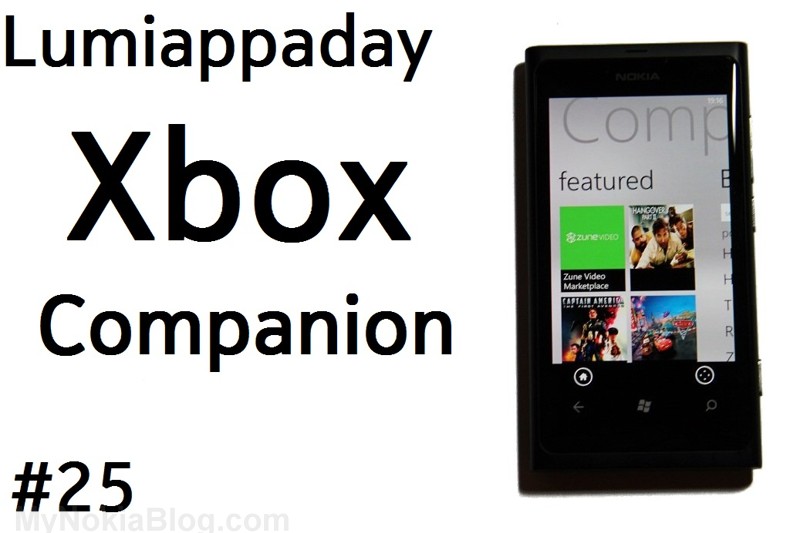
Lumiappaday #25: Xbox Companion demoed on the Nokia Lumia 800

Last week we mentioned that the Xbox Live companion app was available at MarketPlace but I wasn’t able to download it at the time.

I just got it now and it’s working great. I thought I’d make this #25 in our lumiappaday series.

Price: Free

Link: http://www.windowsphone.com/en-GB/apps/b057fbe2-ceb1-470f-a7fe-09c862ca6dd9

Video: http://www.youtube.com/watch?v=nbyGxsTp5Os

Developer Blurb:

Discover great entertainment with the power and convenience of your Windows Phone! Search for your favorite movies, TV shows, music, and games, and play them on your Xbox from your phone. Xbox 360 console and Xbox LIVE membership required.

Design: 9

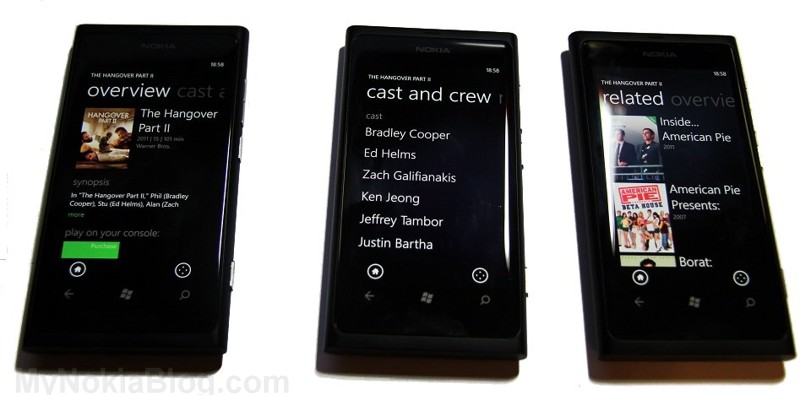
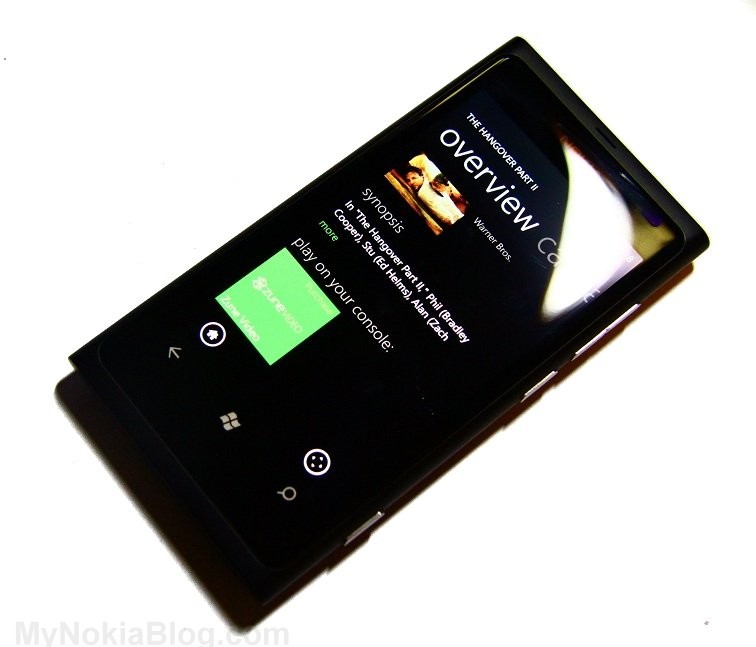
The app is well designed, with the main 3 pane metro view in the theme of the clean Xbox app. It splits into a home list for quick play, featured for music/games/videos with big thumbnails and a bing section for xbox related searches.

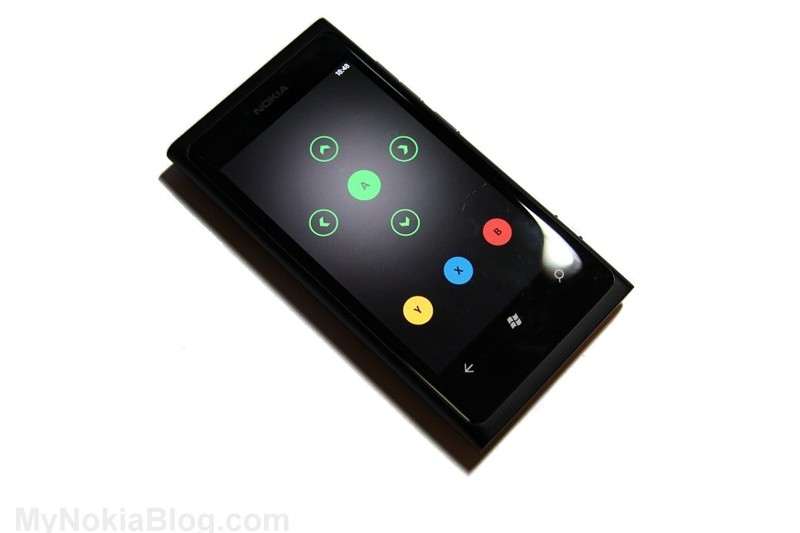
The movies bit is also in metro.The controller looks a bit like the one on Nokia Big Screen with a touch DPad and control buttons.

Usability: 9


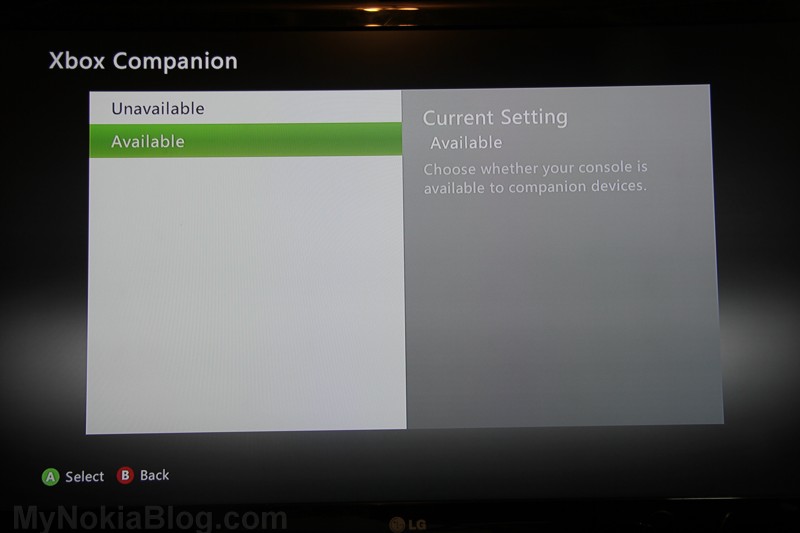
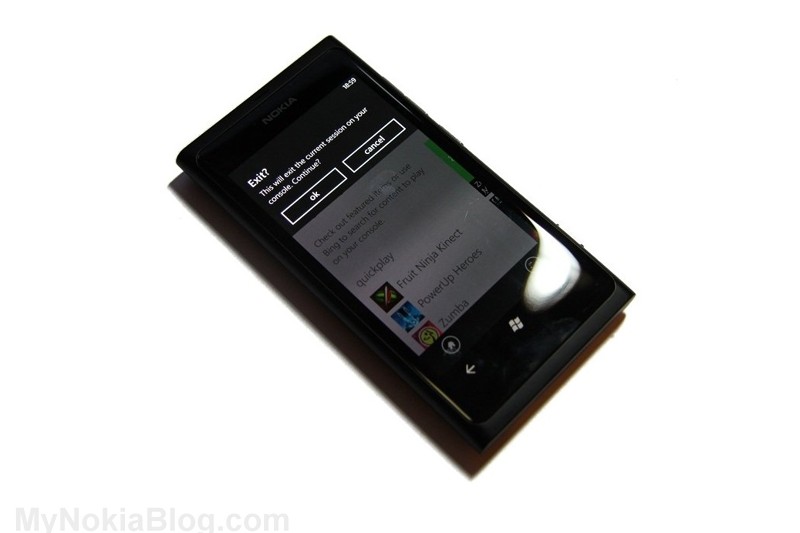
To see the app in action, you must have an Xbox and it must be on. Connection is very easy. It will instruct you on screen to navigate to your Xbox Settings, and just set Xbox Companion to available.Your Lumia 800 will then connect to it and your Xbox will confirm any time it connects to the Lumia 800 and companion app.The app itself is split into Home (for quick play games) featured (for music/video/games) and bing searches.

When you click a game or video or search on the phone it will appear on the Xbox. I really like this as it makes exiting between games much quicker and can fully take over the only use I had for the actual Xbox Controller.

If you have a Kinect, this will marry up as a brilliant companion for the portions of Xbox that still require you to use a physical controller, such as getting Xbox companion set up.

You can navigate all of the dashboard with the companion app though some bits you might prefer to use Kinect to do the hand swiping

You’ll note that the xbox live companion automatically can turn into a 4 way controller with a select button in the middle as well as the other navigation buttons (Y, X, B) at the bottom.

Just press back to go back (:p) and you can also press the home button to go to the home page.

I didn’t get to demo on video but player controls also appear if you are playing back music/videos. You can see it in the video below.

Performance: 9

As usual, quick start up, fast and fluid yadda yadda.

The important thing here is that connection and control of Xbox dashboard navigation is quick. There is really no perecivable lag when you’re pressing a button and xbox acting like you’ve pressed a controller.

It just works. It doesn’t multitask which I don’t mind as I don’t really want it to be connected to Xbox unless I’m using the app. Connection is immediate anyway.

You will however, need to be connected to Xbox Live. If your Xbox isn’t connected to Xbox Live, the app won’t work.

Price: 10

Free

Conclusion:

Nice job integrating the phone to Xbox. It would be cool to one day stream content from the phone to the Xbox.

Still, a must have application for Xbox owners with Nokia Lumias.

It’s really useful for me as I hardly ever use the controller anyway as all my current games are Kinect only, and the only times I need the controller is for settings when Kinect cannot be used. I think for other Xbox users, it’s nice to have anyway and it’s something that impresses friends when they see it.

Category: Applications, Lumiappaday, Nokia, Video

About Jay Montano: Hey, thanks for reading my post. My name is Jay and I'm a medical student at the University of Manchester. When I can, I blog here at mynokiablog.com and tweet now and again @jaymontano. We also have a twitter and facebook accounts @mynokiablog and facebook.com/MyNokiaBlog. Contact us at tips(@)mynokiablog.com or email me directly on jay[at]mynokiablog.com View author profile.


View the original article here


Peliculas Online